Get error information on Razor functions
If your Razor function has an error, you can get the detailed error information in one of the following ways.
On a page
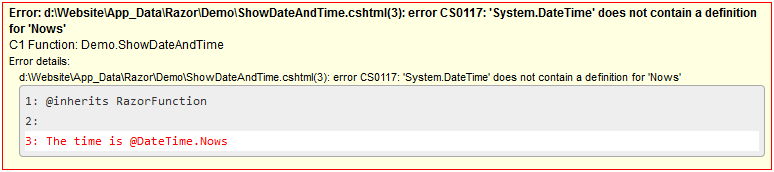
You can see the error information right on the page where this function is used.
Important. You should be logged in to the CMS Console to see the detailed error information when viewing the page in a browser; otherwise, it will only read [Error].
In Visual Studio
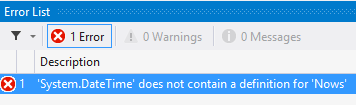
If you edit a Razor function in Visual Studio, you can always see the error information on Visual Studio's Error List panel.
In the log
You can also check the Experience Manager logs for the error information.
We recommend that you download and use the standalone Experience Management Log Viewer. Please see "Logging" for more information on setting up and using this tool. You can also check the logs for errors in the CMS Console: "Tools" | "Server Log".