Signing into the Orchestration Console
Before you can use the Orchestration Console you must sign in.
Signing into the Orchestration Console:
| 1. | Enter the Orchestration Console URL provided by your organization into a web browser. |
Bookmark the URL so that you do not have to retype the URL every time you log on.
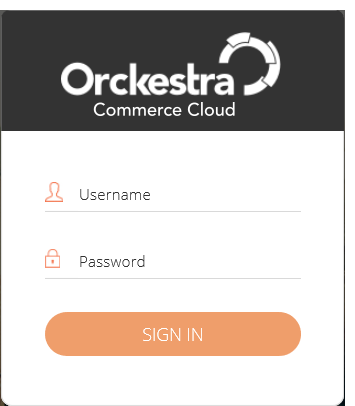
| 2. | Enter the user ID in the format required by your organization. This is typically either an Email address or a Username. |
| 3. | Enter your Password and click SIGN IN. |
The default application for you, your job role, or your organization is displayed.
REFERENCES
| • | Signing out of the Orchestration Console |