Viewing Shipment Details
Shipment details include only the items contained within this shipment, as well as basic information about the order.
In the Active tab, each order is represented by two sections. To view shipment details, tap bottom section that displays the shipment's status.
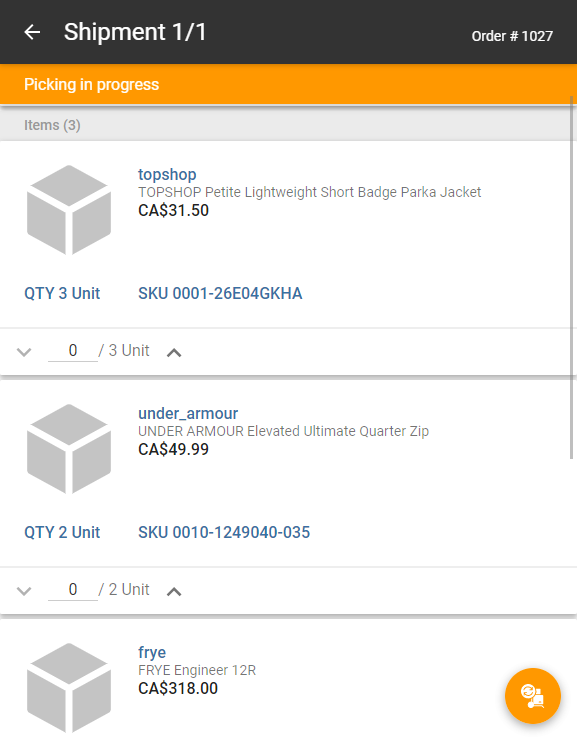
Shipment details include:
| • | Header: Number of shipments in the order, expressed as a x/y ratio and order number. |
| • | Colored bar: Shipment status. |
| • | Items: Items contained in the shipment (name, price, image, requested quantity and SKU). |
Note: Tap the images and spread or pinch them to zoom in or out. Tap the image again to return to the shipment details.
| • | Details: Details such as order number, total value of the shipment, date and time at which the order was placed, order type, and shipping address, along with any address notes is provided in the Order Management application. |