Printing Orders
Orders can be printed whenever hardcopies are required.
| 1. | Click an Order. |
| 2. | Click Print. |
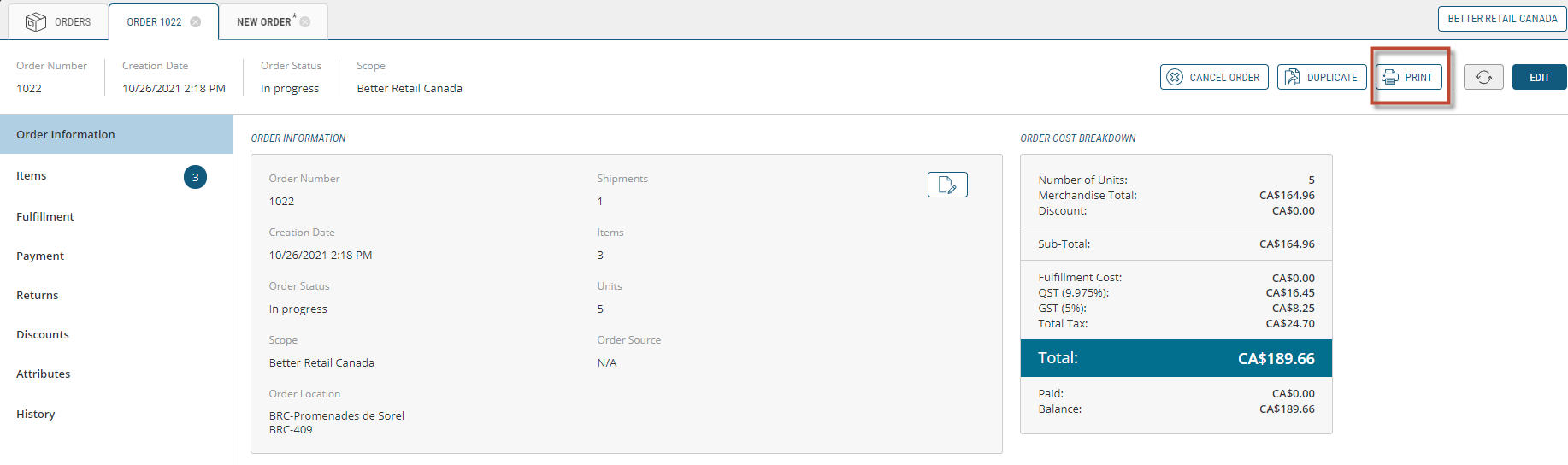
Figure 1 - Print Order button
A new tab will open in the navigation bar displaying the order.
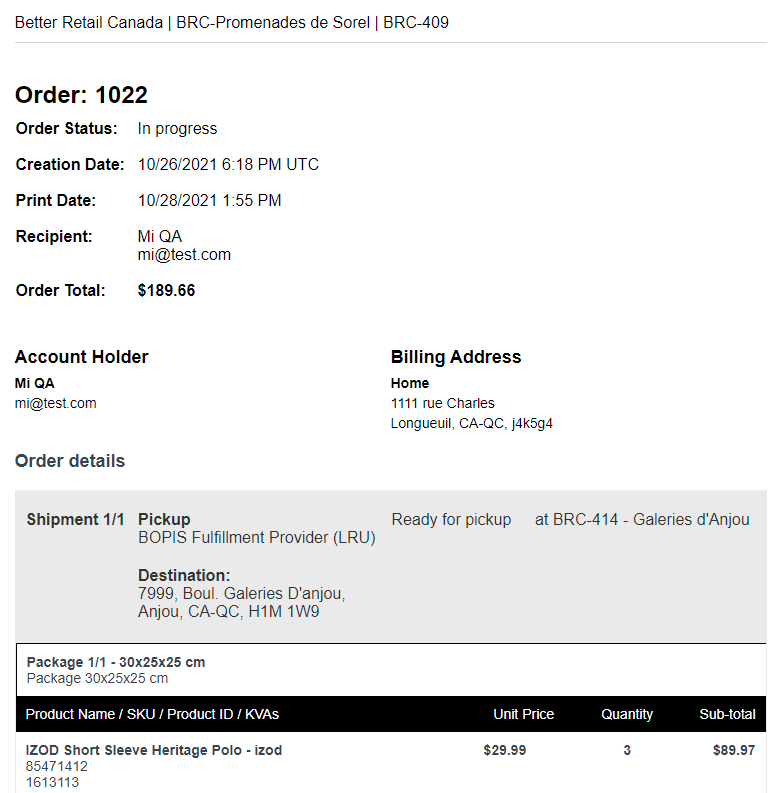
Figure 2 - Order Printout
| 3. | Right-click in the window and click Print... |
| 4. | Follow the steps in the printing wizard. |
REFERENCES
| • | Managing Orders |
| • | Viewing Orders |