Creating Inline C# Functions
An inline C# function is a CMS function written in C# and normally created in the CMS Console (unlike external C# functions, created in external editors and added to Experience Management).
To create an inline C# function:
| 1. | In Functions, select C# Functions and click Add InlineC# Function. |
| 2. | In the Settings window, enter information in these fields. |
| • | Name: The name of the function |
| • | Namespace: The namespace it should belong to |
| • | Description: A short description of the function |
| • | Template: A template to use when creating a C# method |
| 3. | Click Finish. |
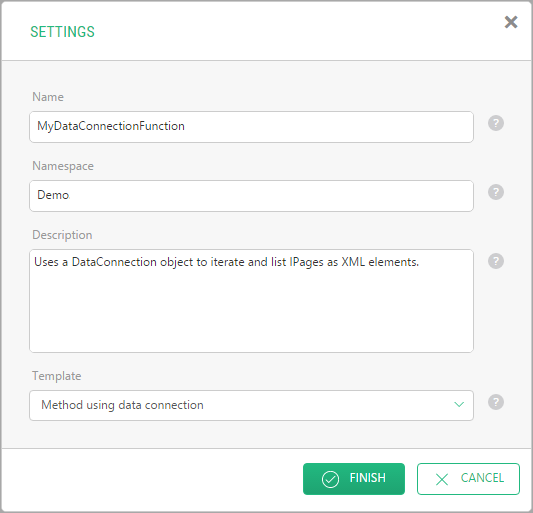
The newly added function opens in the function editor.
You can also select a namespace in Step 1 and add a function to it. In this case, the namespace will be automatically entered in the Namespace field.
Important: the name of the function serves as its identifier in the code, so it must only contain English letters (a-z, A-Z) and digits (0-9) and must start with a letter.
Note: while editing a page, you can use C# functions when switched to the Source view. To learn to make them available in Visual Editor, too, please see “Integrating with Visual Editor”.
Templates for Inline C# Functions
When you create an inline C# function, you can choose one of three templates for the initial code:
| • | Empty method |
| • | Method with parameters |
| • | Method using data connection |
The source code of the Empty method template is very simplistic:
it uses no input parameters
its code is just a return statement
it returns ‘true’ using System; using System.Collections.Generic; using System.Linq; using System.Xml.Linq; using Composite.Data; using Composite.Data.Types; namespace Demo { public static class InlineMethodFunction { public static bool MyEmptyMethod() { return true; } } }
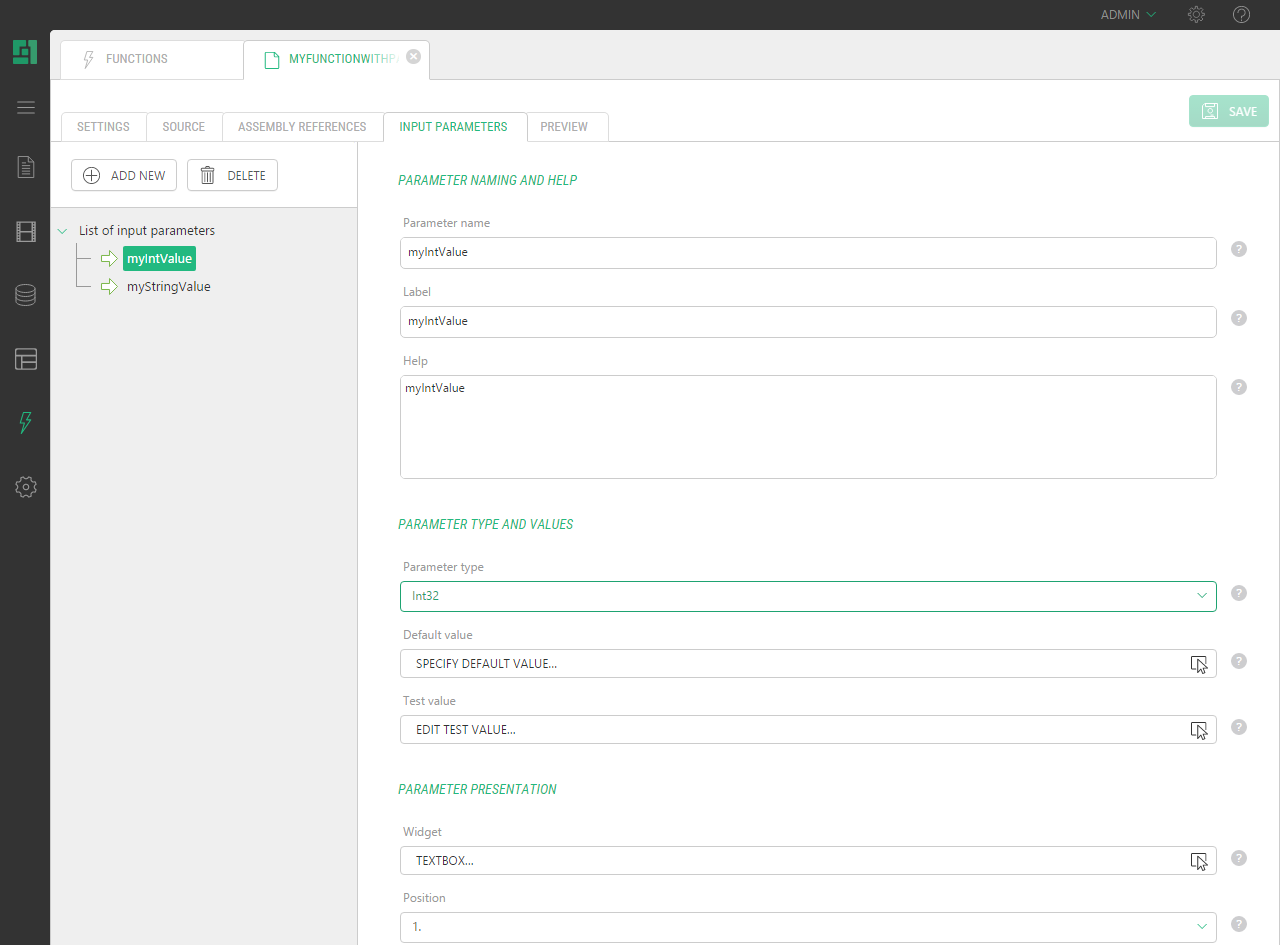
The source code of the Method with parameters template is similar to that of the Empty method but it also uses two input parameters (int and string).
using System;
using System.Collections.Generic;
using System.Linq;
using System.Xml.Linq;
using Composite.Data;
using Composite.Data.Types;
namespace Demo
{
  public static class InlineMethodFunction
  {
    public static bool MyMethodWithParams(int myIntValue, string myStringValue)
    {
      return true;
    }
  }
} 
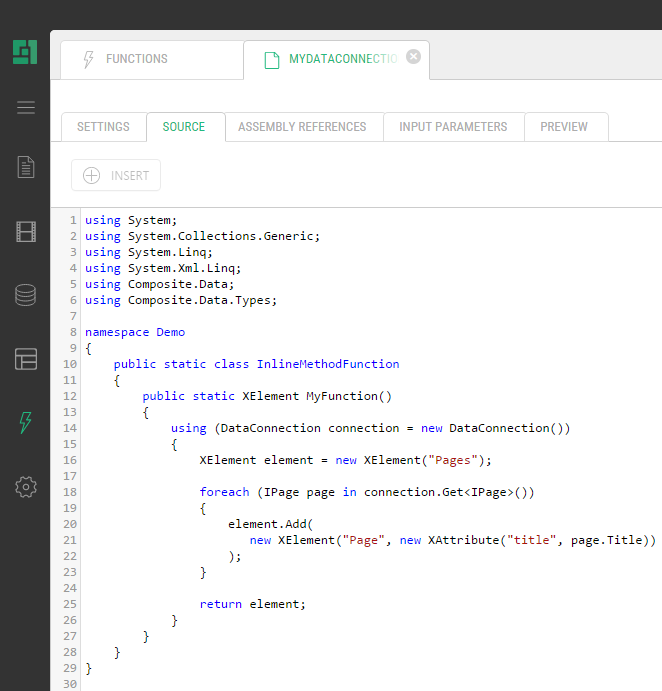
The source code of the Method using data connection template is more sophisticated:
| • | it uses no parameters |
| • | it uses Experience Management API to establish a data connection, iterates all IPage objects and creates a list of <Page> elements that specify their page title. |
| • | it returns XML (XElement) as a result |
using System;
using System.Collections.Generic;
using System.Linq;
using System.Xml.Linq;
using Composite.Data;
using Composite.Data.Types;
namespace Demo
{
  public static class InlineMethodFunction
  {
    public static XElement MyDataConnectionMethod()
    {
      using (DataConnection connection = new DataConnection(PublicationScope.Unpublished))
      {
        XElement element = new XElement("Pages");
        foreach (IPage page in connection.Get<IPage>())
        {
          element.Add(
             new XElement("Page", new XAttribute("title", page.Title))
          );
        }
        return element;
      }
    }
  }
}