Set Alt and Title Text
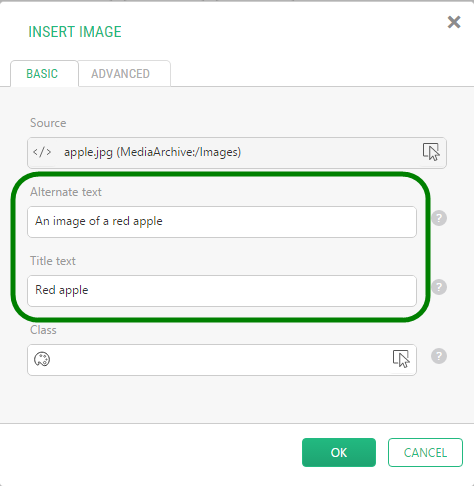
When inserting an image on a page, you can control the image Title and Alt text in the Alternate text and Title text fields in the Image Properties window.
Images in a gallery
If the images on a page are displayed in a gallery with one of the Image Gallery packages, their titles and descriptions are normally used for the Alt and Title text.
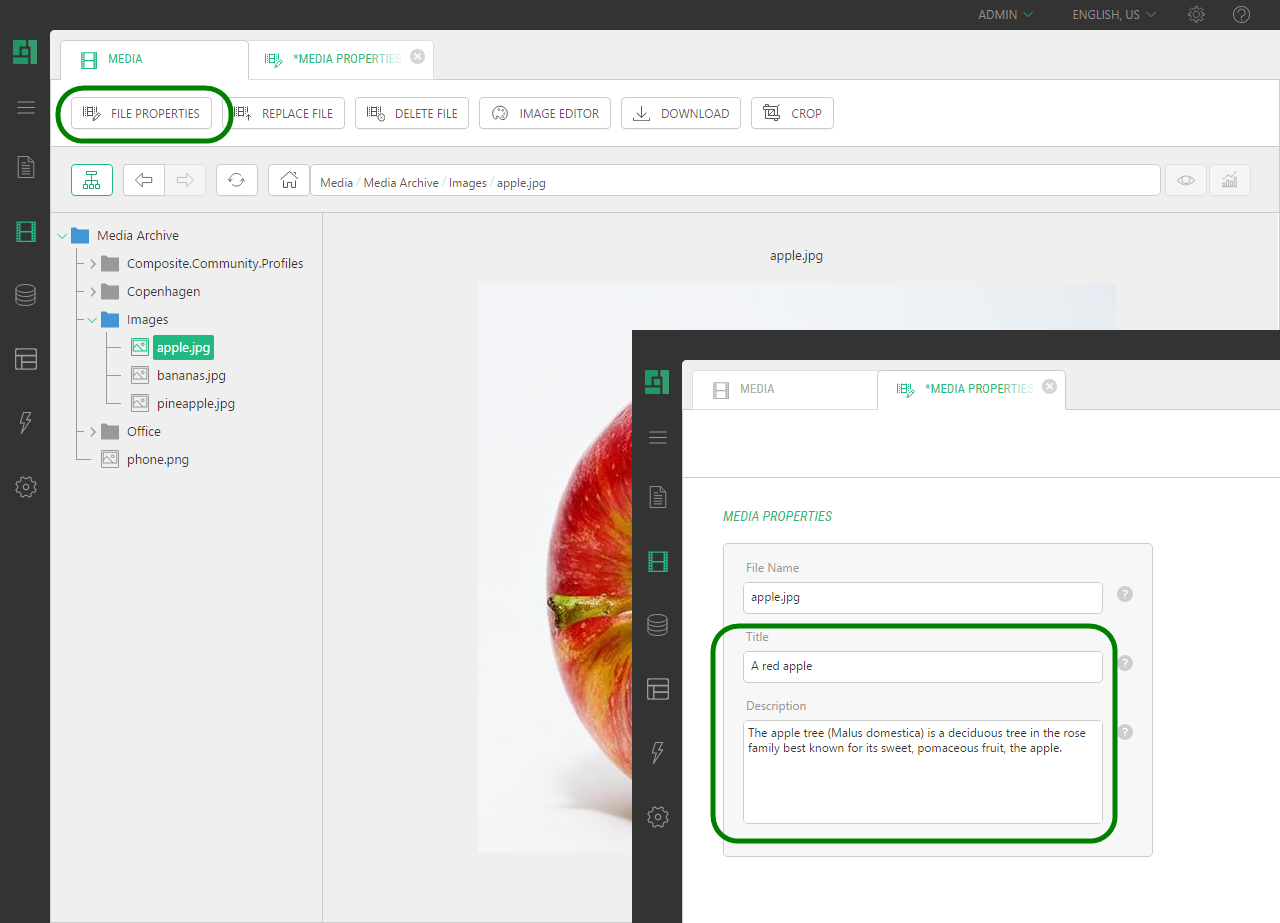
You can set or change these titles and descriptions in the Media Archive.
- From the Media module, select an image and click File Properties on the tool bar.
- In the Title and Description fields, specify the title's text and the image's description.
- Click Save.
Changing these properties from the Media module will update automatically generated image views.