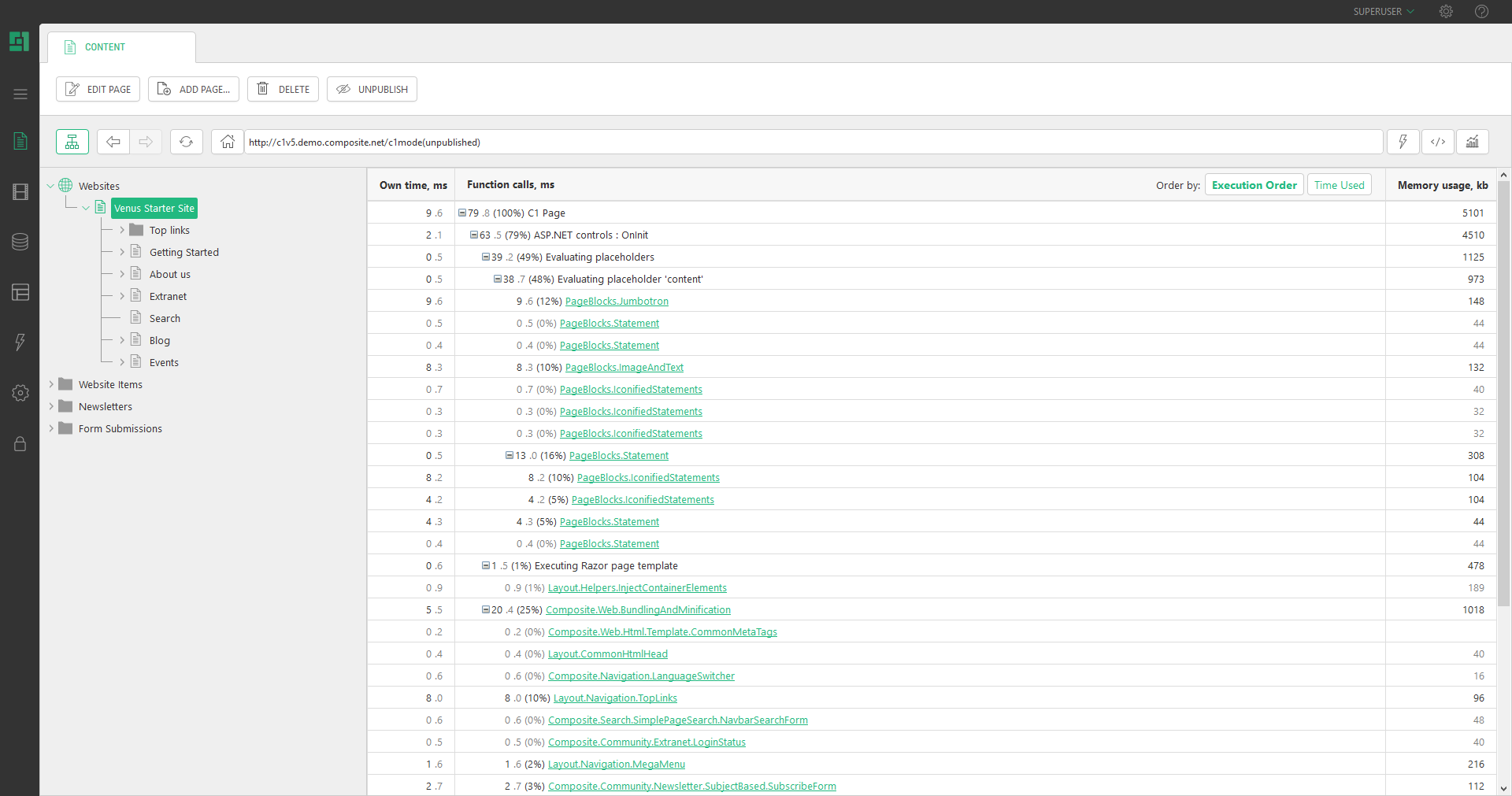
Preview Modes
You can also preview pages in different modes. When websites are responsive, they are displayed in a different format depending on the device used by the customer.
You can choose to preview pages as they will render in the browser, on different tablet sizes or on a mobile phone.
Preview modes are available when a page is open as read-only. When editing a page, save your modifications and close the tab. Ensure the page is selected in the tree structure and click the eye icon next to the URL bar.
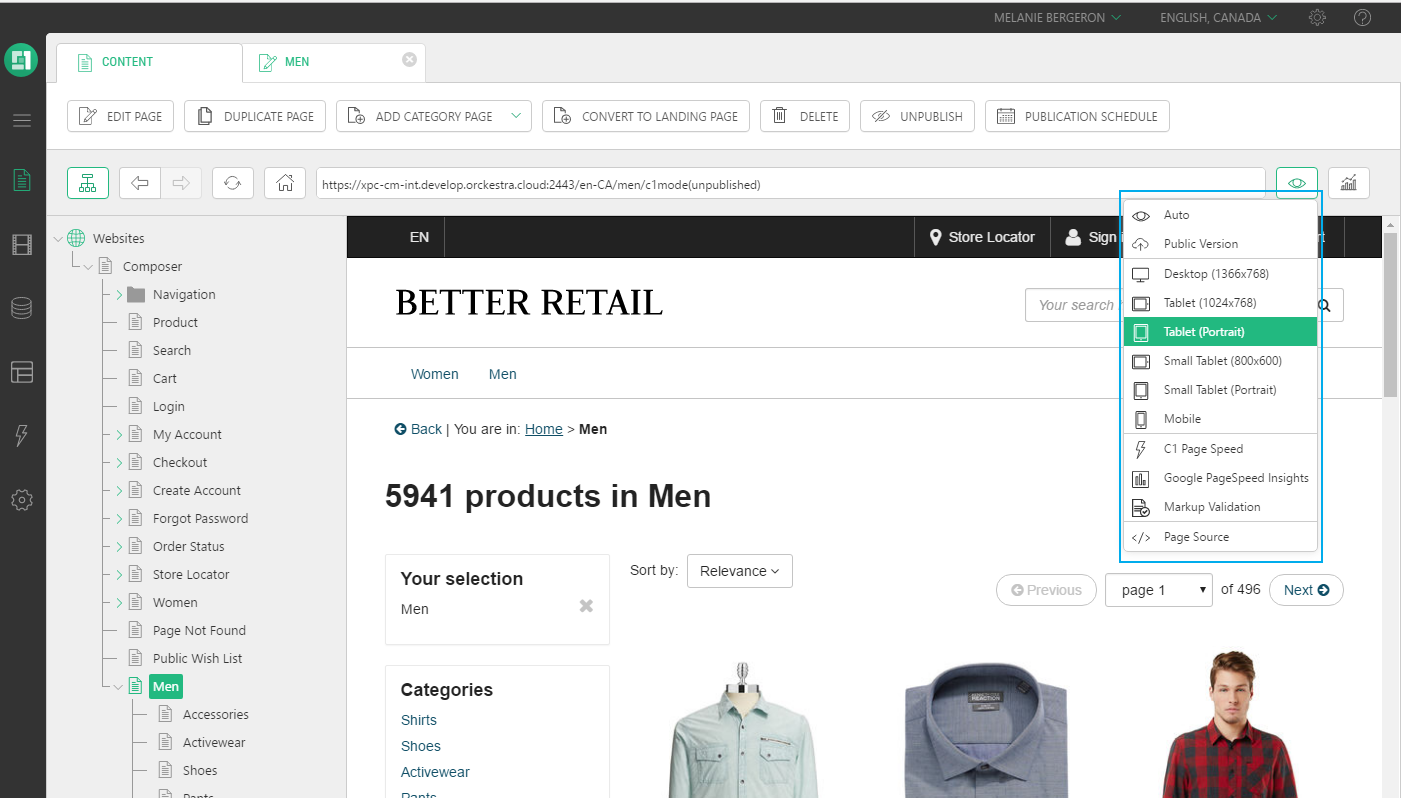
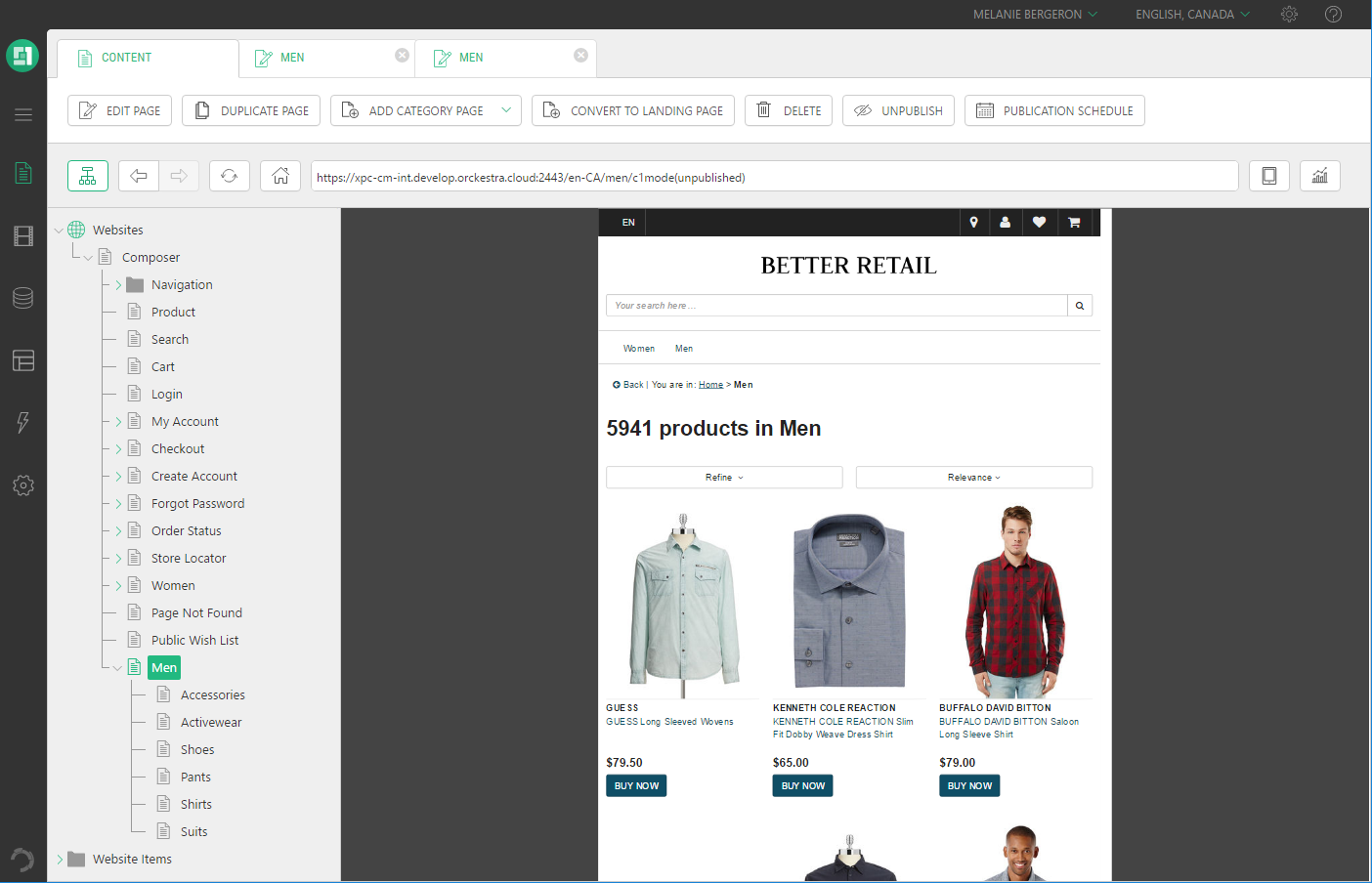
In the example below, the Better Retail website is displayed as Tablet Portrait preview mode.
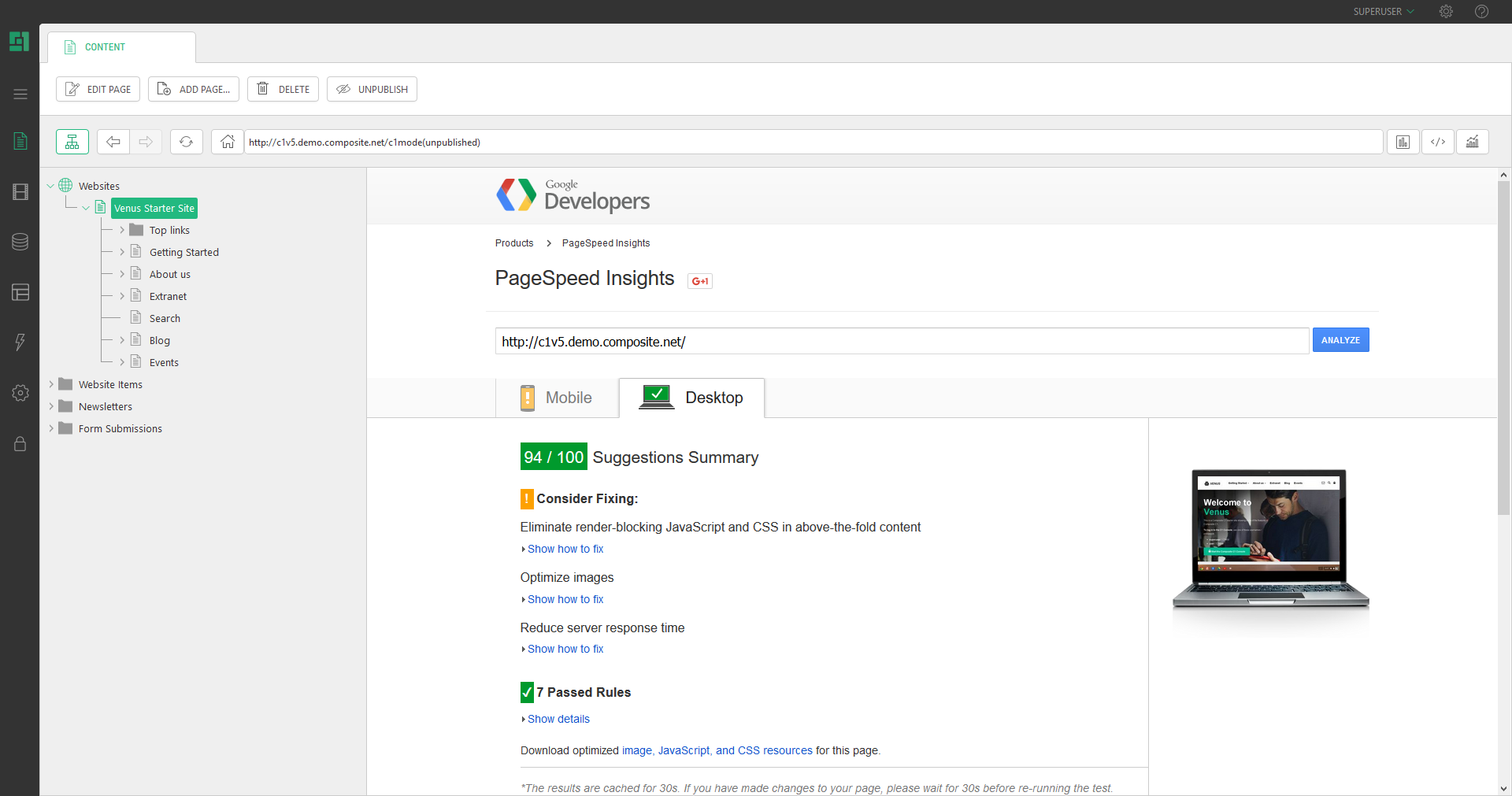
A preview mode can also be an external service like Google PageSpeed Insights and the W3C markup validator,
The built-in Experience Page Speed report that will give you a performance report on a page, making it easy to identify which Functions take the most time to render on any given page.