Install a Package
EXPERIENCE MANAGEMENT > SYSTEM
In most case, you will install packages from the remote Composite Package Server conveniently accessible in the console:
|
2.
|
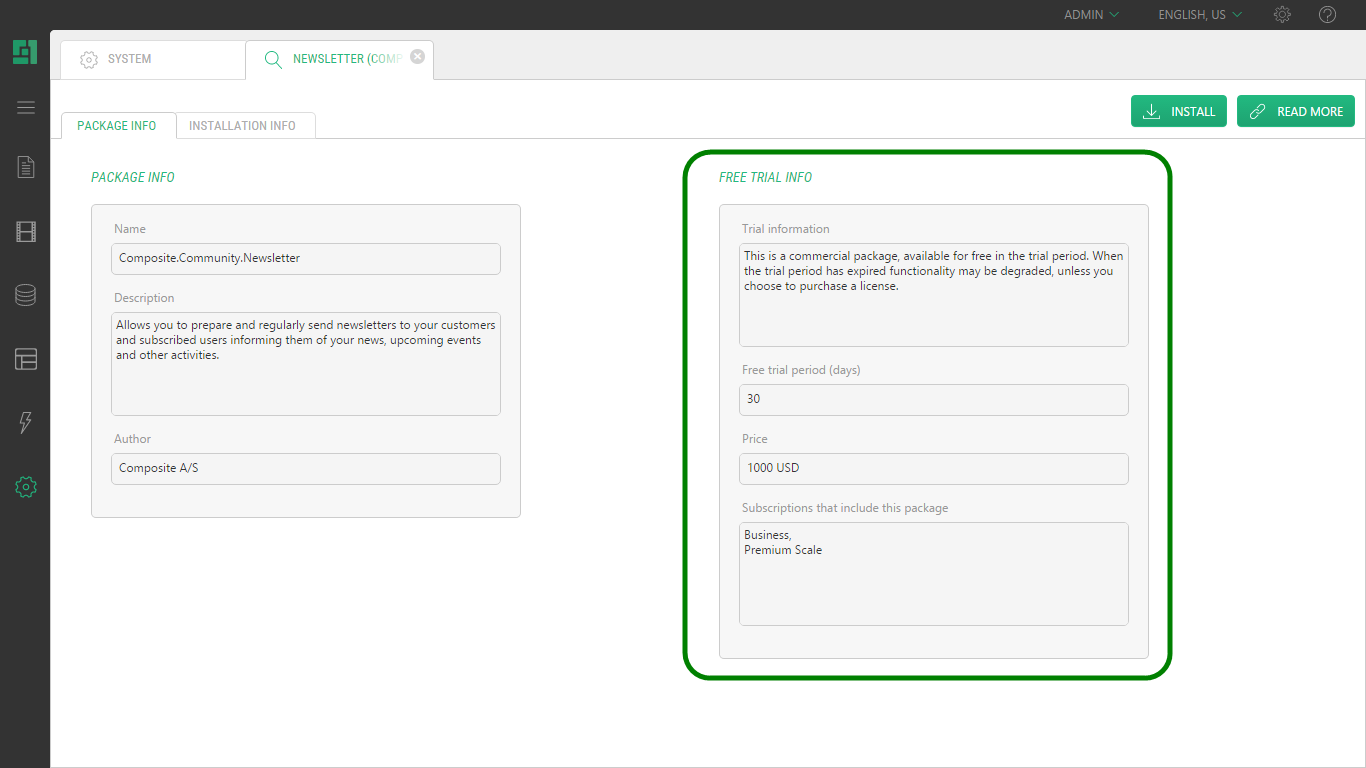
In the Package Info view, click Install. |
|
3.
|
Follow the steps in the installation wizard: |
|
a.
|
License agreement: Select I accept the license agreement and click Next. |
|
b.
|
Download and validate package: Click Next |
|
c.
|
Ready to install: Click Next |
|
4.
|
Click Finish when the installation completes. |
Some packages may reload the console after your click Finish.