Accepting a Shipment
When a shipment is assigned to your store in Least Recently Used (LRU) mode or by closest geographical location, you can choose to accept or decline it. This way, you can manage the your staff's workload.
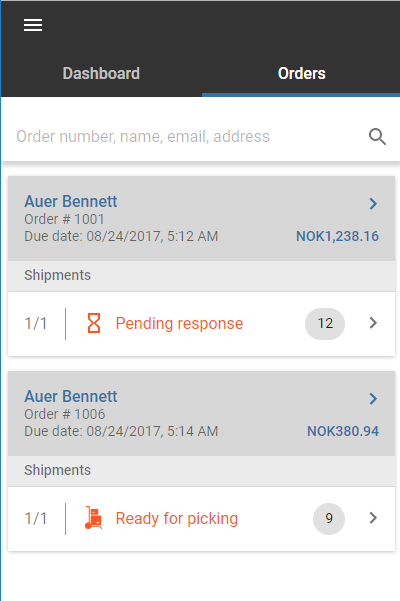
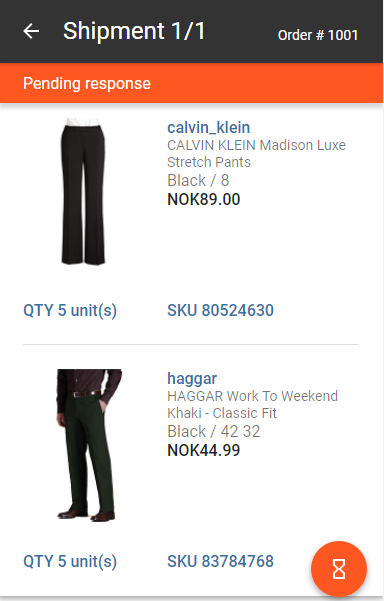
A shipment that has not yet been accepted or declined, has a Pending Response status is displayed under the Active tab, along with all the shipments currently assigned to your store.
|
|
| Order list
|
Order details
|
|
2.
|
Tap a shipment to select it. |
|
3.
|
Tap the orange action button  in the bottom-right corner of the screen. in the bottom-right corner of the screen. |
The accepted order's status changes to Ready for picking.
REFERENCES