Logging in to Mobile Store Fulfillment
Before using the Mobile Store Fulfillment application, you must enter your credentials. Depending on the device you use, the appearance of the login screen may vary. Examples of a mobile login screen and a tablet login screen are shown below.
Logging in to Mobile Store Fulfillment:
| 1. | Tap the text box and enter your username. |
| 2. | Tap Next. |
| 3. | Tap the text box and enter your password. |
| 4. | Tap Sign In. |
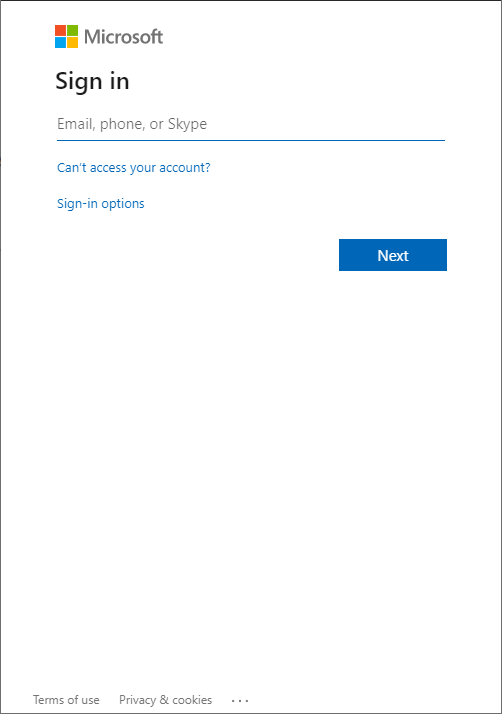
Figure 1 - Mobile login screen
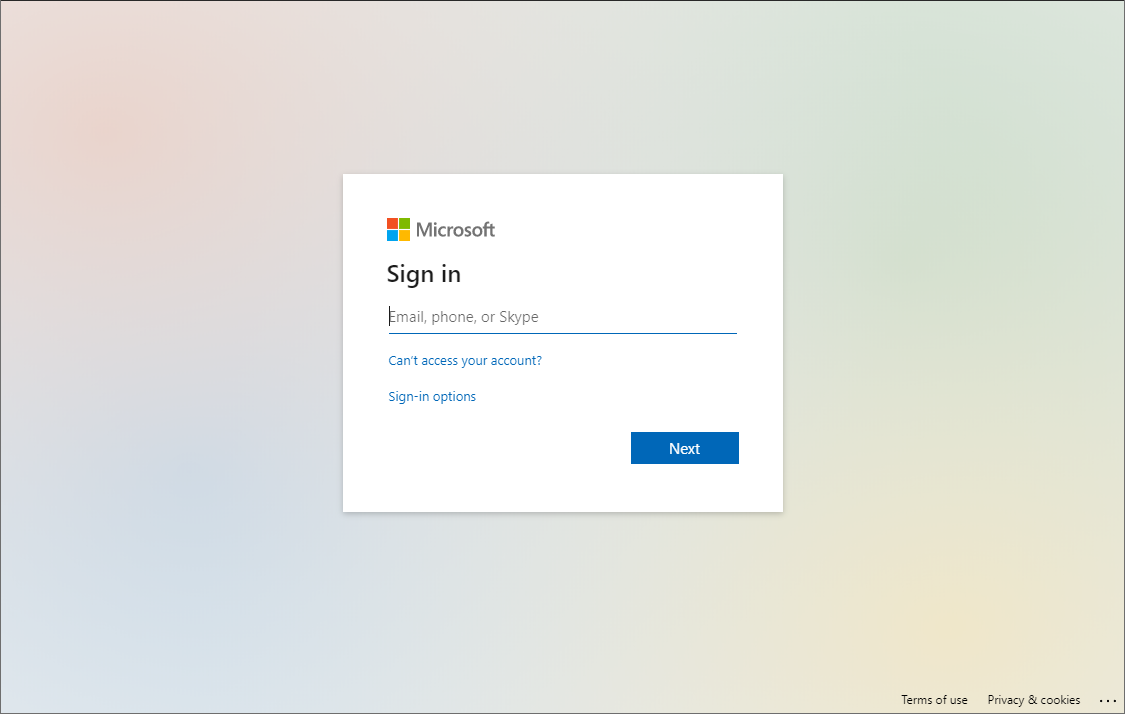
Figure 2 - Tablet login screen.
When your roles and permissions grant you access to only one store, the Dashboard is displayed. When your roles and permissions grant you access to multiple stores, a list of stores is displayed. Tap a store from the list to select it.
REFERENCES
| • | Switching Stores |