Add Tax Jurisdictions
A tax jurisdiction is an area, a city, a municipality, a county, a province, a state or a country with its own distinct regulations for taxation. When setting up the Orchestration Console or expanding your business into a new area with different tax rules, tax jurisdictions are essential in ensuring that the system handles taxes properly.
Create a tax jurisdiction for every area with different tax rates.
Adding a new tax jurisdiction
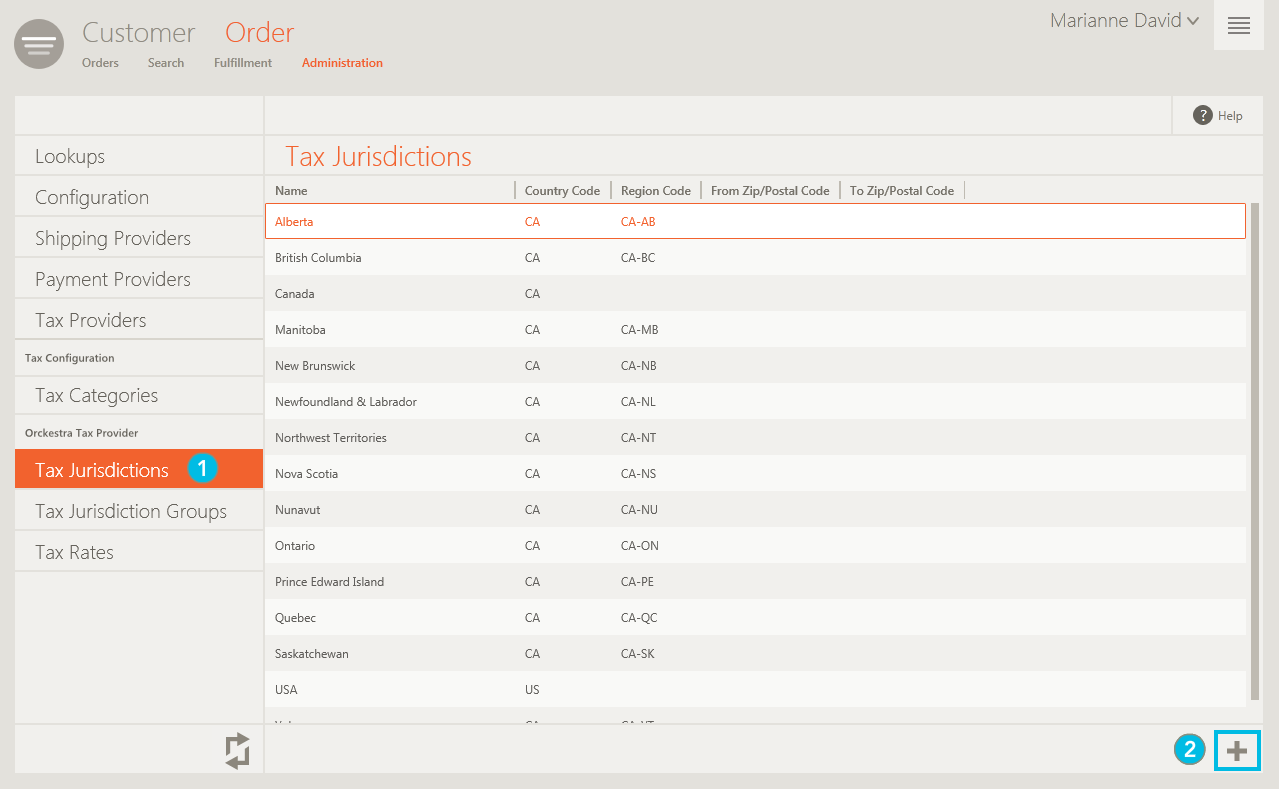
| 1. | In the Navigation panel, select Tax Jurisdictions. |
A list of existing tax jurisdictions is displayed.
| 2. | In the toolbar click Add. |
The Add a New Tax Jurisdiction dialog is displayed.
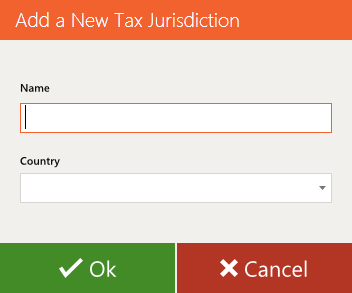
| 3. | Specify a Name and a Country for the tax jurisdiction and click OK. |
The new tax jurisdiction is added to the list and the Tax Jurisdiction Details panel slides open.
| 4. | Make any required changes. The Details panel is made up of two tabs: |
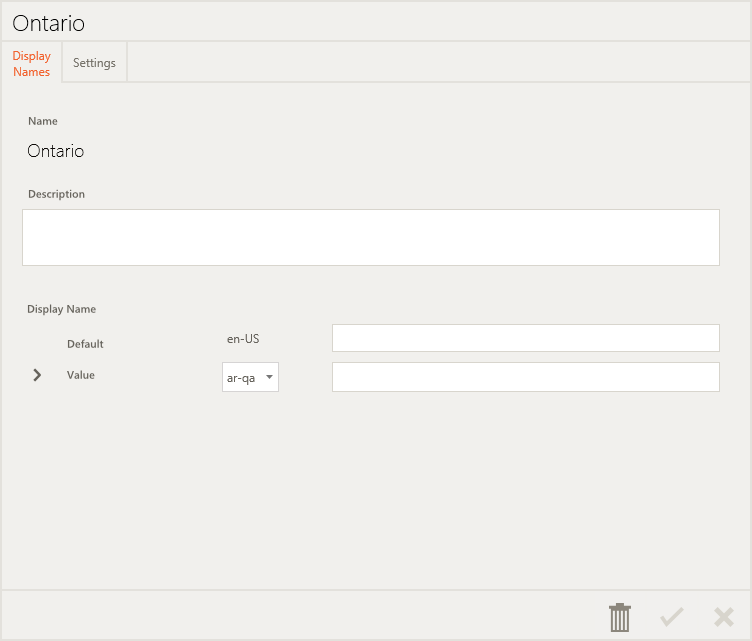
| • | Display Names: Use this tab to provide a description and multilingual names for your tax jurisdiction, as needed. |
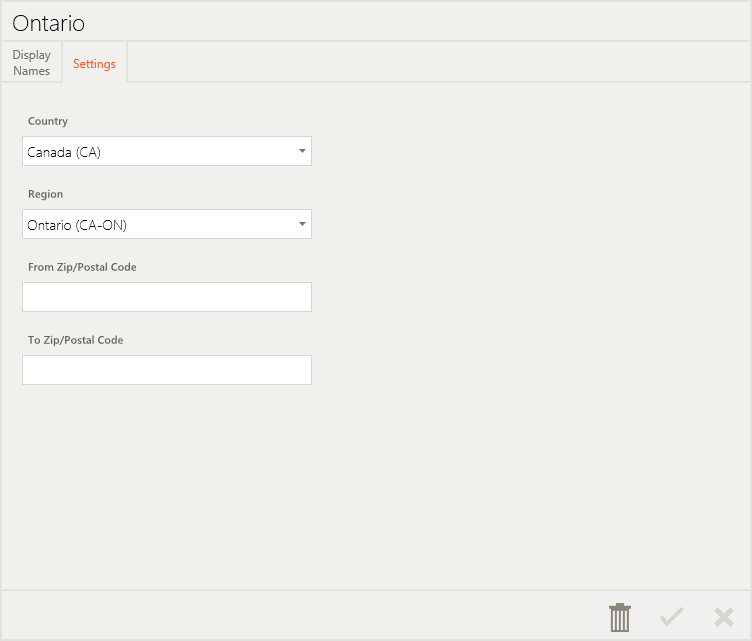
| • | Settings: Use this tab to enter the country and region, as well as the Zip/Postal codes included in this tax jurisdiction. |
| 5. | When you are finished, click  Save. Save. |