Viewing Completed Orders
Once the shipments have been fulfilled and either shipped or transferred by your store, or the customer has picked up their purchases, they remain visible in Mobile Store Fulfillment under Completed for a period that can be configured by Orckestra, upon request (by default, this period lasts 100 days).
Statuses included in this category are:
|
1.
|
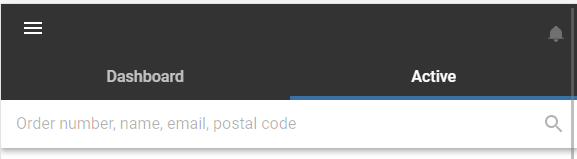
Tap the hamburger menu. |
|
2.
|
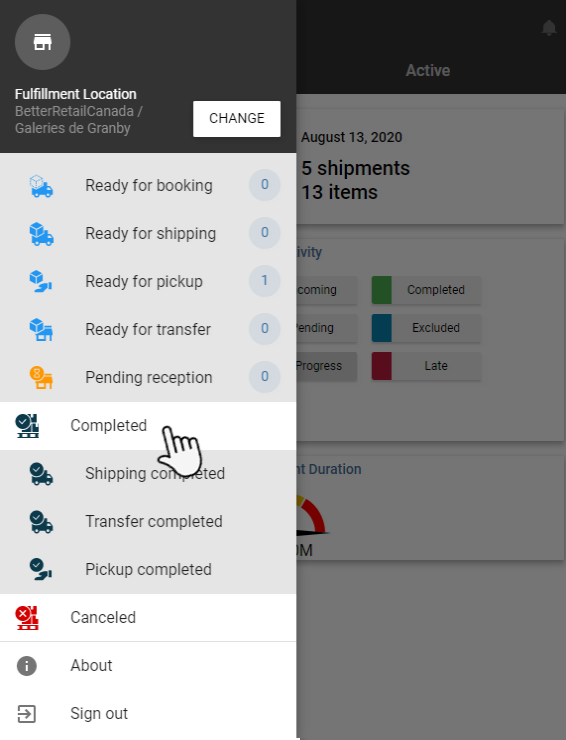
Use the scroll bar on the right to find the Completed category at the bottom of the list. |
|
3.
|
Tap the status you wish to view. |
|
4.
|
Tap a shipment to obtain more information. |
REFERENCES