Modifying Media
Media files are automatically associated to a product
You may require to modify media files meta data, whether you just uploaded a file and forgot to enter information, or modify a published media file. The user experience is slightly different in each case.
Modifying media
When modifying media that has not yet been published, you can modify their Alt text, Description and Tags. Click Save when you have completed your modifications.
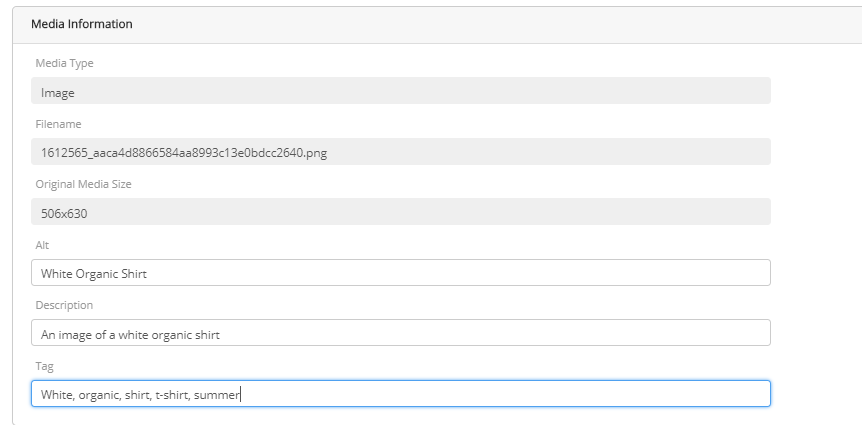
Figure 1 - Image meta data
The product must be published to apply the modifications.
Result: The media file meta data is updated.
rEFERENCES
| • | Managing Media Configuration |
| • | Media Management |
| • | Adding Media to a base product and variants |
| • | Deleting Media |