Modifying Category Definitions
PRODUCT MANAGEMENT > ADMINISTRATION
You can modify category definitions by using the Products Administration page in the Product Management. Category definitions cannot be deleted
|
1.
|
Click Category Definitions. |
All current category definitions are listed.
|
2.
|
Click the Category Definition that you want to modify.
|
|
3.
|
Make the required changes. |
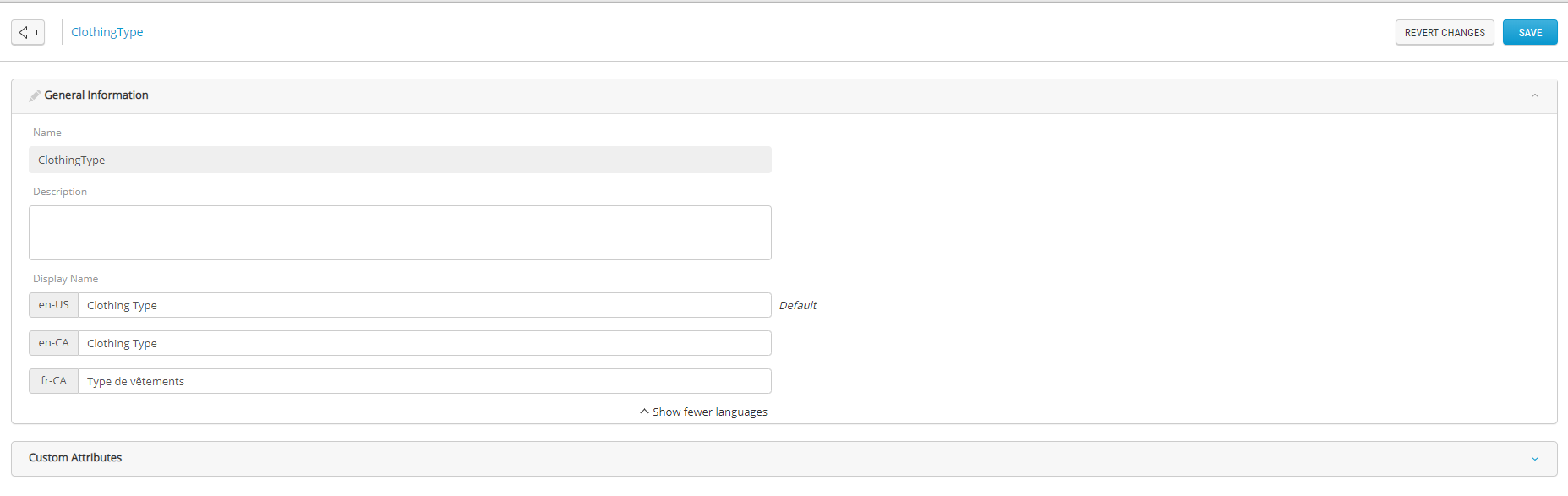
Figure 1 - Modifying a category definition
|
1.
|
Click Category Definitions. |
|
2.
|
Click the Category Definition that you want to modify.
|
|
3.
|
Expand Custom attributes. |
|
4.
|
To add an attribute, select an attribute in the Available Attributes column and click Add. |
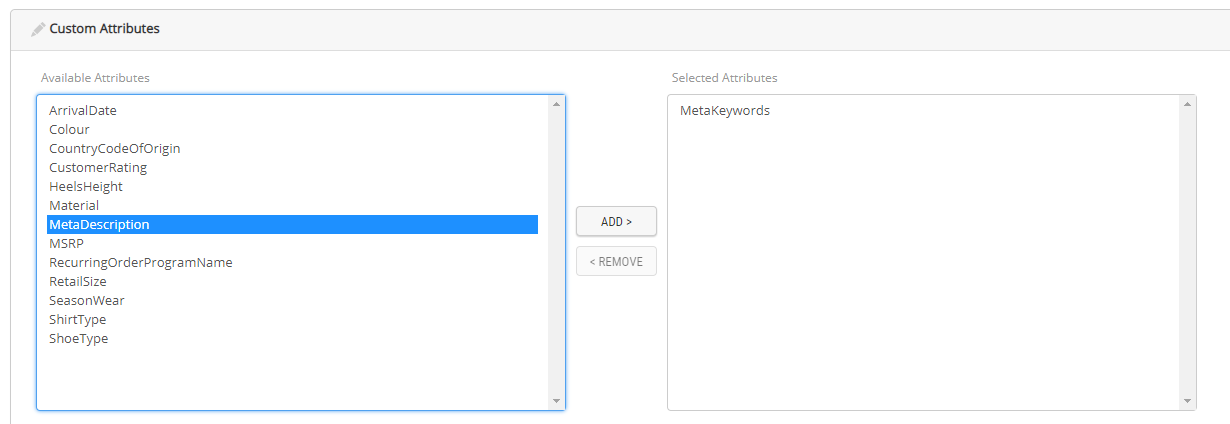
Figure 2 - Modifying a category definition - Adding attributes
|
5.
|
To remove an attribute, select an attribute in the Selected Attributes column and click Remove. |
REFERENCES